Showing posts with label Artists Toolkit. Show all posts
Wireframe
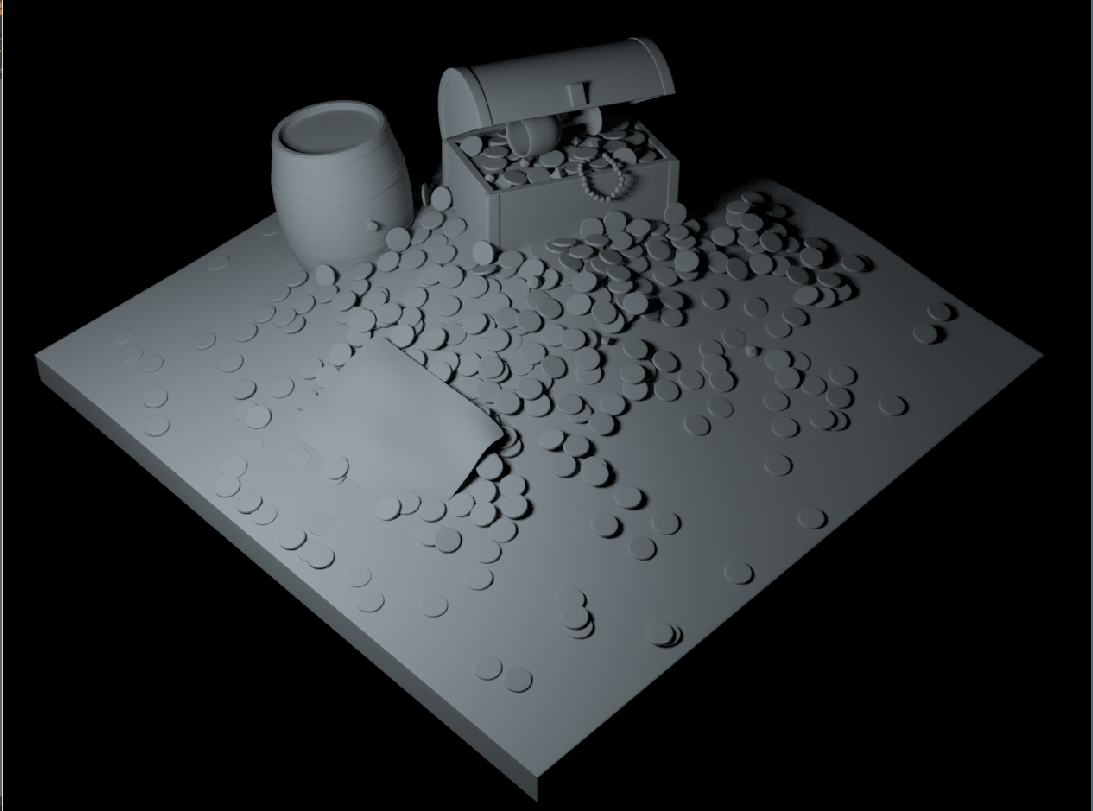
Ambient Occlusion
Ambient Occlusion settings
So in this week's lesson we looked at some of the shaders under the renderer Arnold including the ambient occlusion and the Ai_sss shader using the Ai_sss shader we was able to create realistic looking skin by using the color layers within the shader
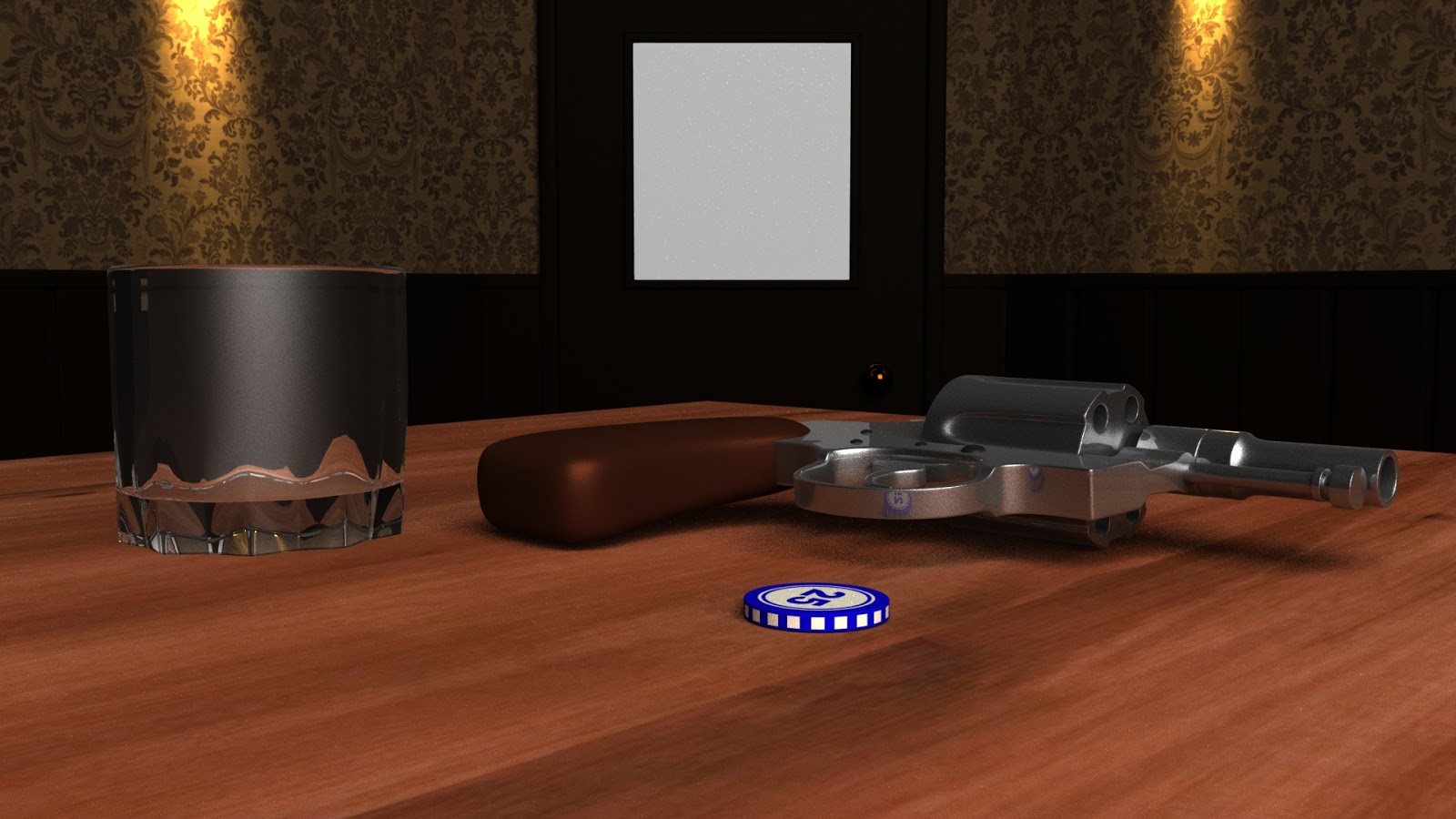
Ai-standard Shader
In this week’s lesson we looked at the Ai_standard shader under
the renderer Arnold and was given the task to make the scene as realistic as
possible using just the shader. We learned how to make an object look like
glass and how to get realistic looking surfaces fairly quickly and easily
Arnold area light
sky dome
mesh light
mesh light
In today’s lesson we renderer Arnold and how it is used
experimenting with the options is to offer Arnold is a very very quickly and
easily lesson we looked at the renderer Arnold and how it is used experimenting
with the lighting and the options it has two offer. Arnold gives a very
realistic look very quickly and easily and look forward to learn more about
Arnold and what else it has to offer.
Lighting & Rendering
Mental ray part 1: samples & qualiy control
Mental ray part 2: final gather
Mental ray part 4: physical sun & sky
Mental ray part 5: portal lights
Mental ray part 6: mia metrial x shader
Mental ray part 7: high dynamic range
Mental ray part 9: ambient occlusion
Mental ray part 10: motion blur
Mental ray part 2: final gather
Mental ray part 4: physical sun & sky
Mental ray part 5: portal lights
Mental ray part 6: mia metrial x shader
Mental ray part 7: high dynamic range
Mental ray part 9: ambient occlusion
Mental ray part 10: motion blur
Previous PostOlder Posts
Home